Gamer Hunt - Find Your Next Gaming Influencer
I like to: ⚙️ Tinker with different kinds of technologies 💭 Apply knowledge across different fields/disciplines 📈 Optimize stuff (sometimes more than necessary lol)
Introduction
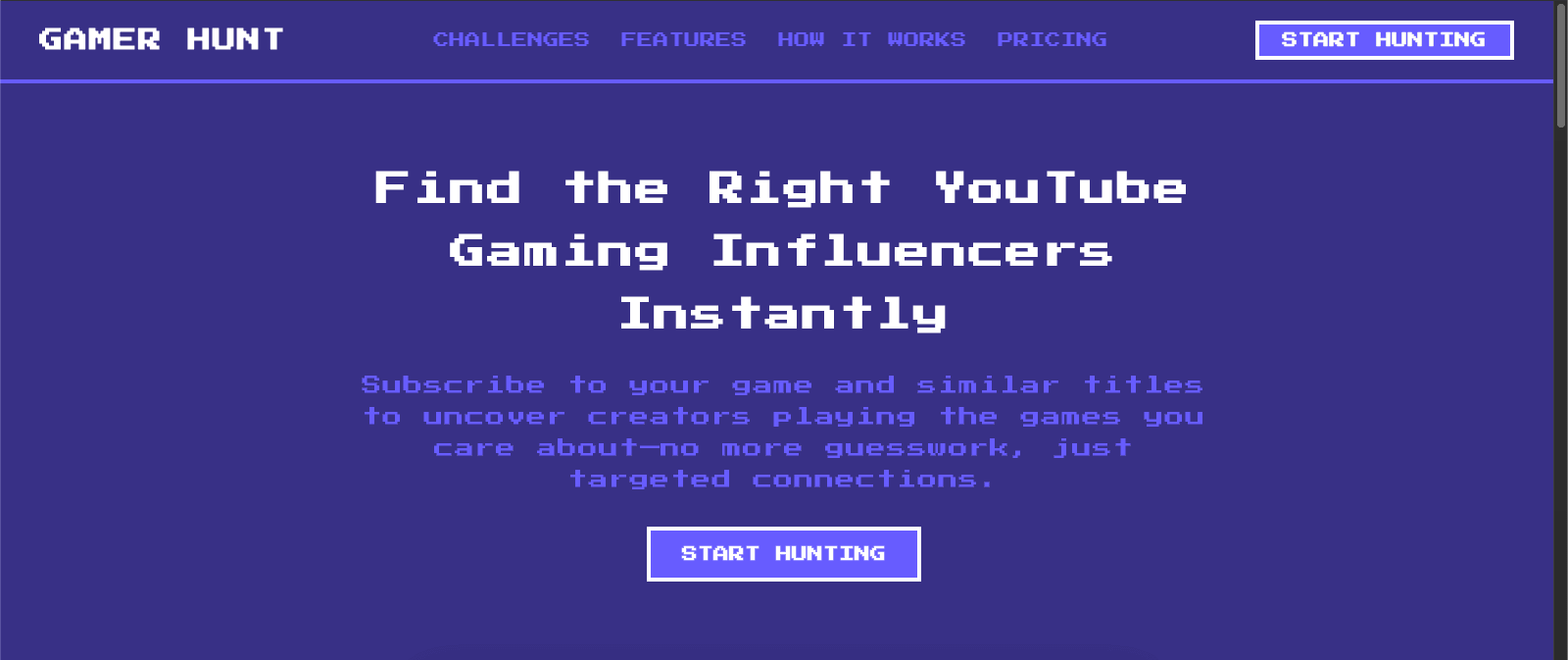
Finding the right YouTube content creators for your game can be a daunting task. Gamer Hunt makes it simple by letting you subscribe to games (your own titles as well as others that are similar) to uncover channels and videos featuring those games.
Discover Similar Game Creators: Add games similar to yours, and instantly see which influencers are already playing or covering them.
Find Your Own Game Influencers: Subscribe to your game’s YouTube gaming channel to surface creators who have created content so you can connect directly with relevant voices.
Challenges in Finding Gaming Influencers
Fragmented Data Sources
Game studios often have to manually monitor multiple YouTube gaming channels to see which influencers are driving the most engagement.Time Consuming Research
Influencer scouting takes hours, or possibly even days, of scanning videos for potential influencers just to find the first 100.Limited Competitive Intelligence
Without automated scraping, it is hard to benchmark against competitors or discover rising channels before they go mainstream.
Key Features of Gamer Hunt

Automated Gaming Channel/Topic Scraping
Simply add any YouTube gaming channel or topic channel URL, and Gamer Hunt will pull a combination of both the latest videos and most watched/engaged videos, with their data such as the number of views, comments, likes, and much more.Metadata Aggregation and Analytics
All scraped data is organized in an easy to navigate dashboard. Filter and sort by view count, comment count, likes count, etc.Scalable and Extensible
Gamer Hunt architecture is designed for growth. Future integrations will add influencer data from Twitch, Twitter, Kick, and more, which will make it the all in one solution for gaming audience insights.
Getting Started with Gamer Hunt

Sign Up and Log In
Create your free account at app.gamerhunt.xyz. No personal data or passwords required! Just your email for verification.Add a Game Subscription (YouTube Gaming Channel)
At the top of the left sidebar, you will find a dropdown. Open the dropdown and click "Add game". Follow instructions for adding a game and continue until checkout (free!).Voila!
Wait for your feed to magically get populated by content regarding the game you added. Sometimes, this may take a few minutes, if nothing appears after 2 minutes, refresh the page and you should see all your items!
Special thanks
Adrian Esguerra (https://www.linkedin.com/in/adrian-esguerra-66139b282/)
Frontend development and core ideas that helped bring it to life!